
Chat, search, and research
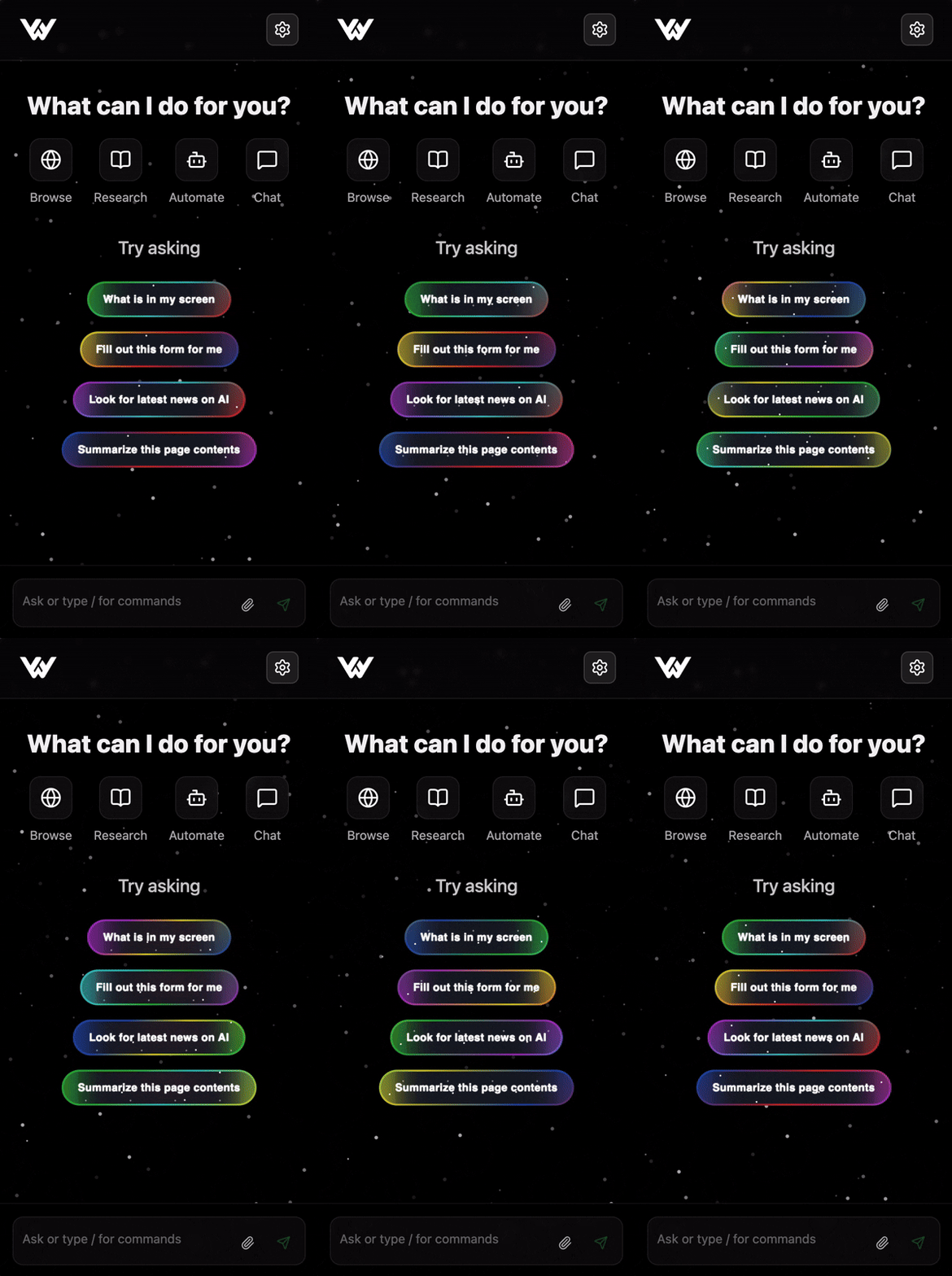
Summarize a page, ask what’s on screen, or use Search and Research to bring in current web sources.
Privacy focused AI extension
Waffy brings local AI to your side panel. Chat with pages, write in place, and automate tasks with models you choose.
Local models & privacy
Choose Browser AI to process prompts and page context on your device. For other models, Waffy connects directly to the endpoint you choose.
Where your AI runs
Use Gemini Nano in Chrome when available. Your browser downloads and runs the model.
Choose your model in Settings → Models.
On-device memory
Waffy can remember preferences and ongoing projects across chats and use relevant details in later chats and drafts.
“What do you know about me?”
You like morning coffee and walks, and prefer light breakfasts. You read on weekends and use a MacBook Pro.
Use /automate to fill forms, click through workflows, scroll, and work across tabs. Waffy plans the task, uses screenshots to act on the page, and reports the outcome.
Enable Automation in Settings and choose a vision-capable execution model.
Summarize a page, ask what’s on screen, or use Search and Research to bring in current web sources.
Mention tabs with @, capture a page area, or attach images, text, and PDFs. Pin prompts and reopen past chats.
Import a SKILL.md file for tasks you repeat. Type $ in the composer to use a skill for one message.
Add a Model Context Protocol server to search connected docs or update records. Use its tools across Waffy’s modes.
Write a reply, fix grammar, shorten a passage, or change the tone right where you’re typing. Open Waffy’s side panel and choose Draft & Rewrite from the page toolbar.
Re: Thursday’s release
Hi Jo, I wanted to check if you’ll be able to send me the release notes before our QA call on Thursday at noon. If that’s too tight, we can move the call to Friday.
Setup, privacy, and how to use Waffy.
Install Waffy, then open it from your browser toolbar or press Ctrl + I (⌘ + I on Mac). Choose Browser AI during setup and download the built-in model if prompted. Then ask a question in the side panel.
Select Browser AI or a localhost Custom API for the model stages you use in Settings → Models. For a local-only workflow, turn off Search Mode, Research Mode, and Anonymous analytics in Settings → General and leave remote MCP servers disabled. Built-in model inference can run offline once the model is ready.
Cloud models receive prompts and relevant context directly from your browser. Web search sends queries to DuckDuckGo. Enabled MCP servers receive tool-call arguments, and results can go to your chosen model. If enabled, anonymous analytics sends limited usage data. You can manage it during setup or in General settings. Read the privacy policy.
Waffy runs in desktop Chrome and compatible Chromium browsers such as Edge and Brave. Built-in AI depends on the browser and the device. Chrome uses Gemini Nano and Edge can use Aion Instruct with the Prompt API enabled. If Browser AI is unavailable, connect Ollama or LM Studio in Settings → Custom API. Chrome model requirements · Edge Prompt API setup
Waffy can save lasting facts from chats, such as your preferences or active projects. In Settings → Memory, review or summarize saved facts, remove individual entries, or reset all memory. Switch memory off there and select Save Changes to stop it from saving and using facts. Manage past conversations from chat history.
Open the side panel on a supported page. Select text or click into a text field, then choose Draft & Rewrite from Waffy’s page toolbar. Tell Waffy what to change. Review the result and select Apply in a supported field, Copy, or Ask in Chat.
Ask about the current tab in chat or right-click and choose Summarize this page. Type @ to include open tabs or select Capture area from Waffy’s page toolbar. Attach images, text files, or PDFs up to 5 MB each. Type /search for a live lookup or /research to combine page context and web sources.
Enable Automation in Settings → General and configure a vision-capable Execution model in Settings → Models. In chat, choose /automate and describe the task. Waffy uses Chrome’s debugger permission while automation is running to interact with the page.
Open Settings → Skills, select Import SKILL.md and then Save Changes. Type $ in chat to pick a skill. You can combine it with a mode and tab mentions, such as/research $compare-products Compare @Laptop A and @Laptop B
In Settings → MCP Servers, choose Add server and enter its Streamable HTTP endpoint. Choose None, Bearer token, or OAuth for authentication. Use Test to list tools, sign in if required, then select Save Changes.
Waffy is free and open source under Apache 2.0. Browser AI needs no API key. Cloud providers may charge for usage under your own API key.